 Invite-only beta
Your bookmarks,
in one place.
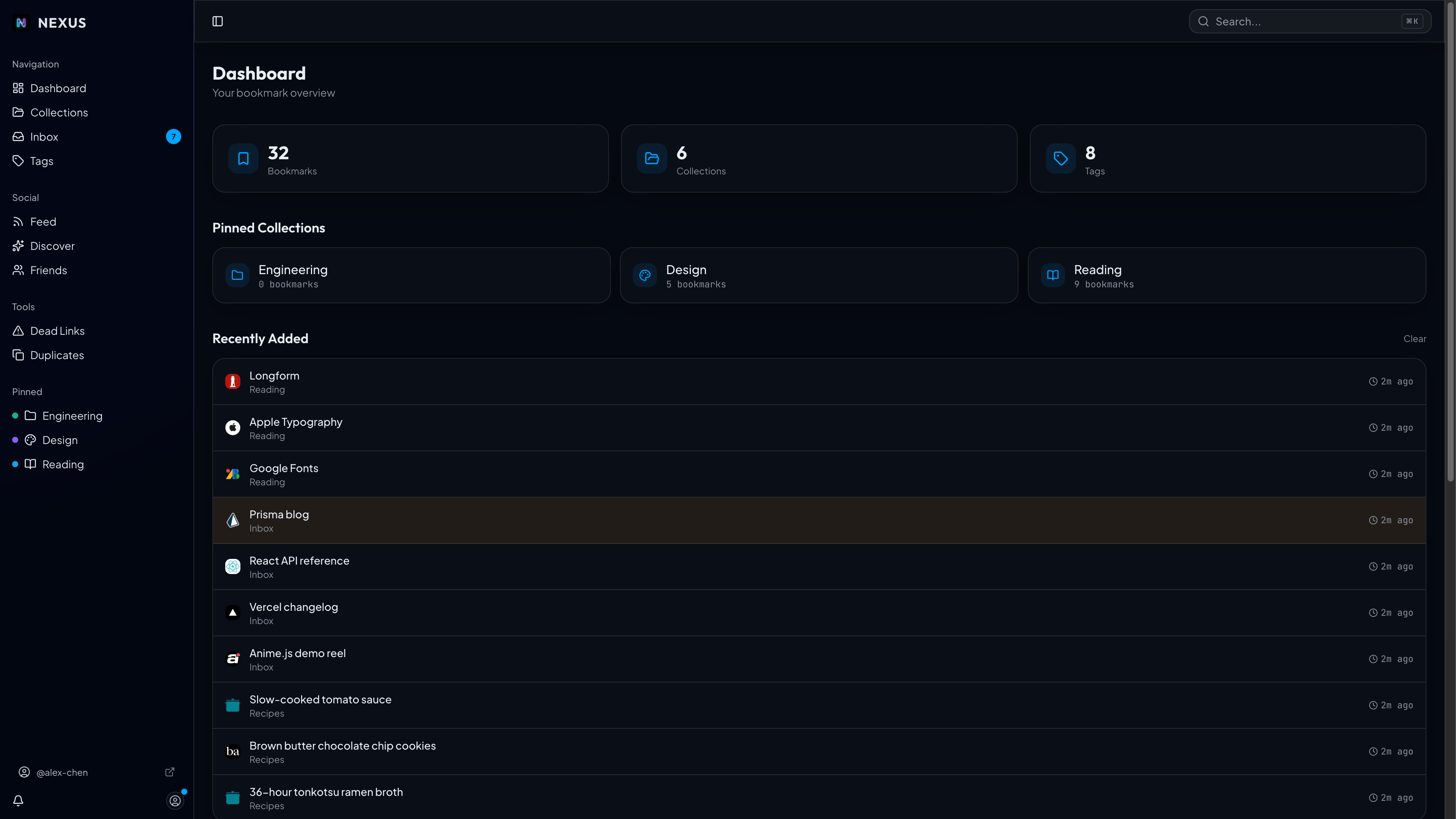
Apps, tools, recipes, articles, collections you curate. Kept private by default, shared with the people who need them.
The differentiator
One library.
Three ways to share.
Most bookmark managers force you to choose between private notes and a public link-in-bio. Nexus lets you pick the audience per collection, then changes its behavior to match.
01 — Private
Yours alone, synced everywhere.
Default state for every collection. Capture from any browser, any device. Your library stays invisible to anyone but you, with per-user data isolation, scoped cache, and zero sharing surface unless you opt in.
- ✓Per-user data isolation. Encrypted in transit and at rest.
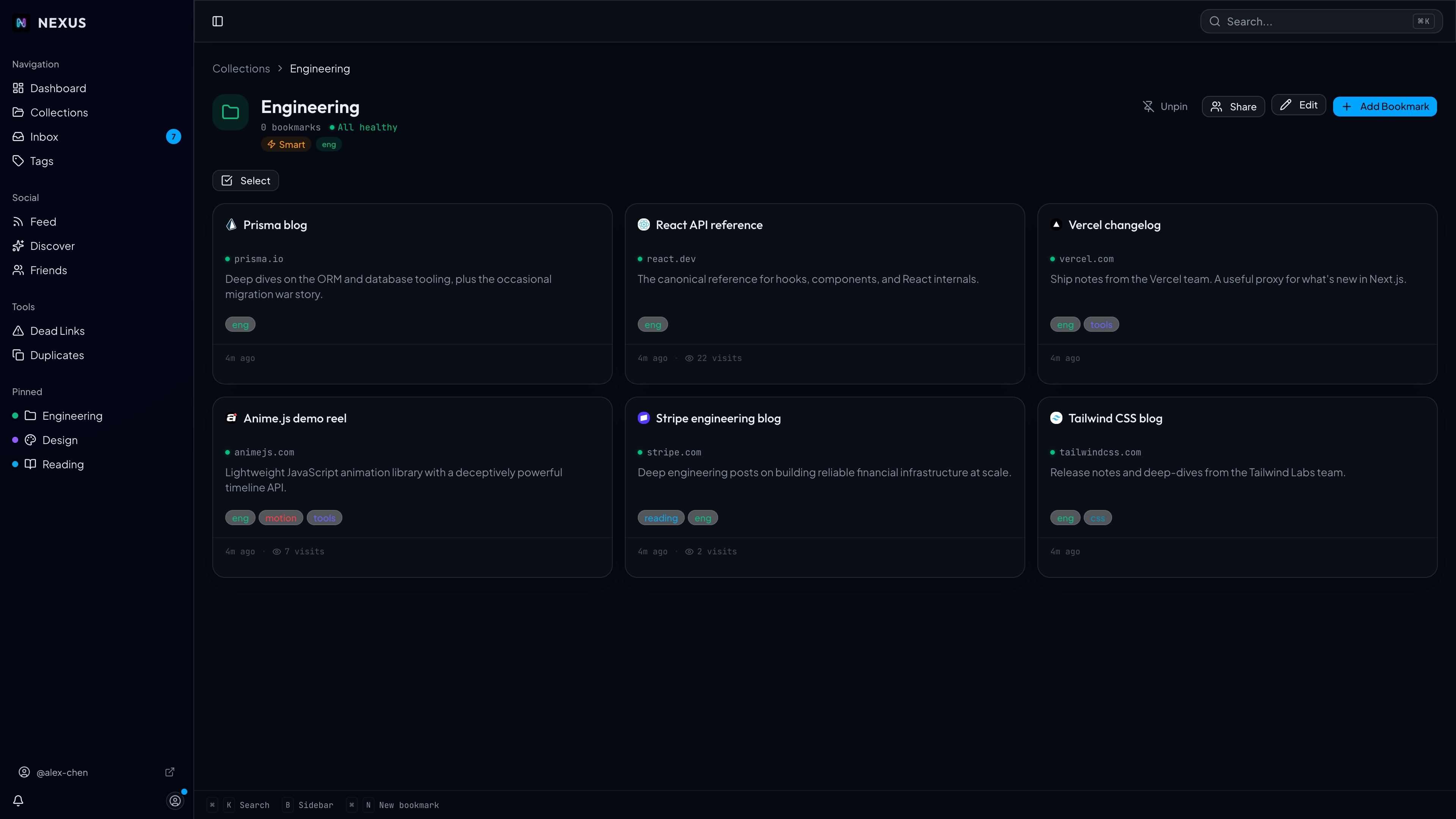
- ✓Smart collections that update themselves from tags.
- ✓Inbox triage: capture quickly, sort later.
For everyone who saves more than they read
Built for people who save more than they read.
Click a chip to see how Nexus fits.
Designers
“I keep a smart collection tagged #reference. Anything I save with that tag shows up there automatically. No drag-and-drop housekeeping.”
Save from anywhere
Eight ways in. One destination.
Capture a link in two taps from a browser, your phone, the command palette, or a script. It always lands in the right collection.
One-click capture with auto-tags from the page.
Same flow, signed for AMO.
A single drag-and-drop into your toolbar.
Shortcut + API token. Save from any iOS app.
Search, capture, navigate. Keyboard-first.
A web form for when extensions can't reach.
Build your own scripts and integrations.
Netscape HTML, Chrome, Firefox, Safari, Pinboard.
The quiet stuff
Boring details done well, so you can ignore them.
Every page, archived forever.
Every saved link gets a Wayback Machine snapshot. When the original page goes dark, the archive's right there. Your library doesn't rot.
Tag once, appear everywhere
Smart collections update themselves from tag rules. No manual sorting.
Dead-link detection
A daily crawl flags broken links so your library stays trustworthy.
Follow feed and re-stash
See what people you trust are saving. Re-stash anything to your library, credit attached. No algorithm.
stash.nexus/yourname
Claim a handle, build a public reading list, get followers.
Inbox triage
Capture into Inbox now. Sort into the right collection later.
If you outgrew
Raindrop, Linktree, Pinboard, or are.na.
Same job, but built for any link, any audience size, and the stuff in between. Bring your library with you, no lock-in.
Questions
The honest answers.
Is it really invite-only?
Yes, while we stabilize. We admit in small batches, usually within a week. Drop your email and you'll get a magic link when a spot opens. No pre-payment, no credit card.
Is my data private by default?
Yes. Per-user data isolation, encrypted in transit and at rest. Every collection starts private. Public is opt-in, per collection, with a clear preview before you flip it. Internal URLs (private IPs, owner email-domain matches) are filtered out of public surfaces automatically.
What does it cost?
Free during beta. Pricing is to be confirmed at general availability, but the personal tier and core features (private library, three sharing modes, browser extensions) will stay free.
Is there a native iOS app?
Built and ready. We're holding the public release until Nexus exits invite-only beta. Today the web app is mobile-friendly and you can capture from any iOS app via the share sheet using the iOS Shortcuts integration and an API token.
Can I export my library?
Anytime. Standard Netscape HTML export, the full library with tags and folders preserved. We'll never hold your data hostage.
Will you train AI on my bookmarks?
No. Your private data is never used as training input. AI features (auto-tag suggestions, etc.) are opt-in per collection and disabled for personal-email-domain accounts by default.
Save your first link this week
One library.
Shared how you want.
We admit in small batches. Drop your email and we'll send a link when a spot opens, usually within a week.